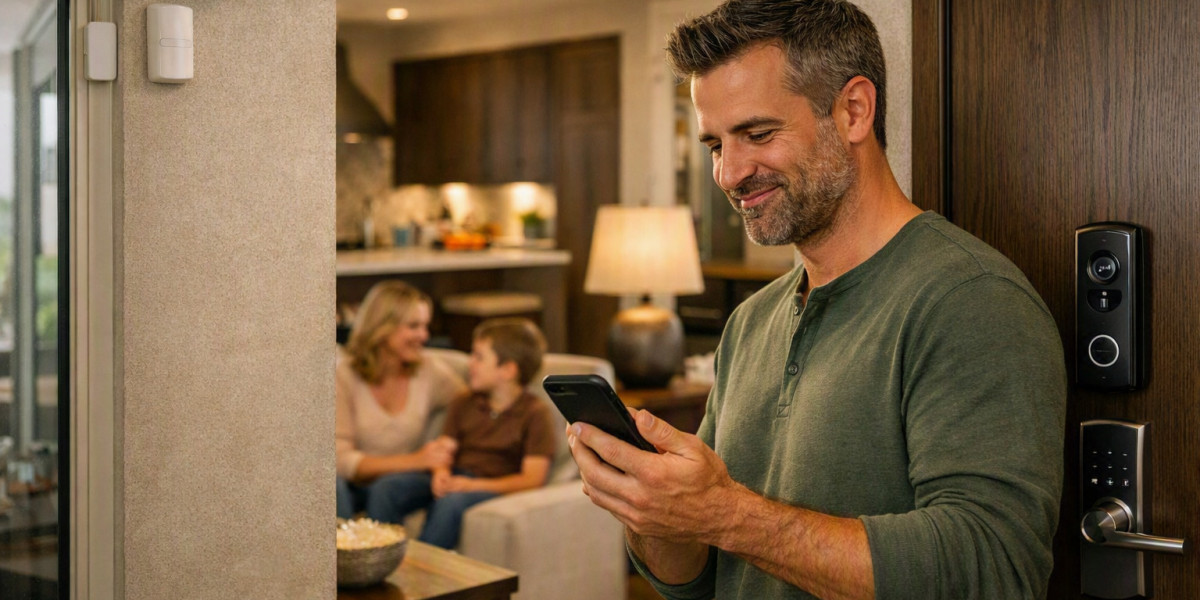

Smart home security systems can include cameras, door sensors, motion detectors, smart locks, alarms, and other devices. Smart Home Security Integration allows these devices to communicate and work together instead of operating as separate units. This communication helps different security devices share information and respond to events around the home.
How Smart Security Devices Connect
Smart security devices need a way to exchange information. They may connect through Wi-Fi, Bluetooth, Zigbee, Z-Wave, or other wireless technologies. Some devices can also use a wired network.
The connection method depends on the type of device and the home security setup. For example, a security camera may use Wi-Fi to send video to a mobile app, while a door sensor may use a low-power wireless connection to report whether a door is open or closed.
A central hub or smart home controller can also help different devices communicate. The hub receives information from connected devices and sends instructions when a specific action is needed.
The Role of a Smart Home Hub
A smart home hub acts as a communication point between compatible security devices. It can collect information from sensors and pass instructions to other devices.
For example, a door sensor can detect that a door has been opened. The hub receives this information and can send a signal to other connected devices. Depending on the setup, a security camera may start recording, a light may turn on, or an alarm may become active.
Not every smart security system needs a separate hub. Some modern devices can communicate directly through a home network or cloud service. The exact setup depends on the products being used.
How Sensors Share Information
Sensors are an important part of a connected security system. Door and window sensors can detect when an entry point is opened. Motion sensors can detect movement in a selected area. Glass-break sensors can detect sounds associated with broken glass.
When a sensor detects an event, it sends information to the connected system. The system then checks the programmed rules and decides what should happen next.
For example, if a motion sensor detects movement while the security system is active, the information can be sent to a central controller. The controller may then notify the homeowner or trigger another connected device.
How Security Cameras Communicate
Security cameras usually communicate through a network connection. Wi-Fi cameras can send video and other information through the home's wireless network. Wired cameras may use Ethernet connections for network communication.
A camera can also receive instructions from an app or connected security system. Users may be able to view live video, receive motion alerts, or change certain camera settings.
When cameras work with other security devices, they can provide visual information about an event. For instance, a motion sensor may detect movement near a doorway while a nearby camera provides video of that area.
How Smart Locks Work With Other Devices
Smart locks can communicate with other connected security devices through compatible networks or platforms. They can report their lock status and, depending on the model, receive commands from an authorized user or system.
A smart lock may work with a door sensor to provide more information about an entry point. The sensor can show whether the door is open, while the lock can show whether it is locked or unlocked.
This type of communication helps users understand what is happening at an entry point without checking every device separately.
How Mobile Apps Connect the System
Mobile apps provide another way for users to communicate with their security devices. The app can receive information from connected devices and display alerts, device status, or camera feeds.
For example, a user may receive an alert when a motion sensor detects movement. The user can then open the app and check a connected camera if video is available.
Some systems also allow users to control compatible devices through the app. The available functions depend on the security products and the communication platform.
Why Compatibility Matters
Different smart security devices do not always work together automatically. They need compatible communication standards, software, or smart home platforms.
Before connecting devices, users should check whether they support the same network or platform. Compatibility can affect how well devices share information and which automated actions are available.
Using compatible products can make the system easier to manage because devices can exchange information through a common communication method.
What Happens When the Internet Stops
Internet access can affect how smart security devices communicate. Some devices may continue communicating through a local network even when the internet is unavailable. Other devices may depend on cloud services for certain features.
For this reason, it is useful to understand which functions depend on an internet connection and which can operate locally. Backup power can also be important because security devices may stop working if the power supply is interrupted.
Understanding these basic communication methods makes it easier to see how connected security devices work as one system. Smart Home Security Integration brings cameras, sensors, locks, alarms, and other devices together so they can exchange information and respond to security events in a coordinated way.