
Introduction
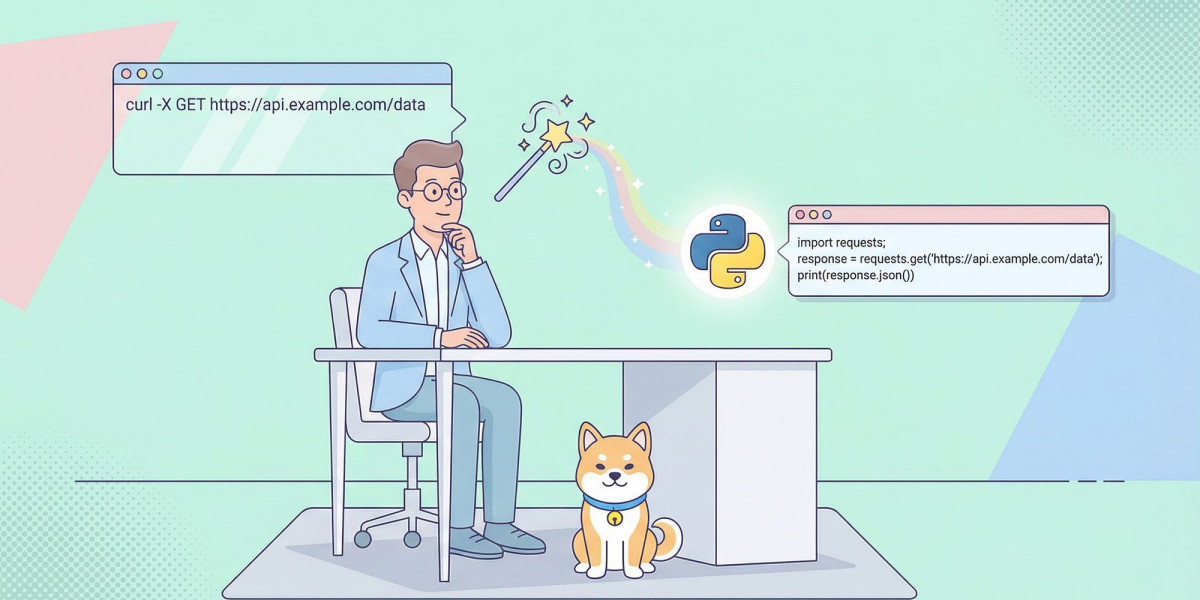
Convert cURL to Fetch is a common task in modern web development. Developers often receive API examples in cURL format, but when building web applications with JavaScript, they usually need to use the Fetch API instead. Converting cURL commands into Fetch requests allows developers to integrate APIs directly into browser-based applications while maintaining the same request details.
The Fetch API provides a modern, promise-based approach for making HTTP requests in JavaScript. Because of its simplicity and native browser support, it has become one of the most popular methods for communicating with web servers. Learning how to convert cURL to Fetch can improve development efficiency, simplify API integration, and reduce manual coding errors.
This guide explains what cURL and Fetch are, why developers convert between them, how the conversion process works, its benefits, common use cases, and best practices.
What Is cURL?
cURL is a command-line tool used to send HTTP requests and transfer data between systems. Developers commonly use it to interact with APIs, download files, upload data, and test server responses.
A typical cURL command can include:
Request URL
HTTP method
Headers
Authentication details
Request body
Cookies
Query parameters
Because cURL works across many operating systems, it is widely used for API testing and development.
What Is the Fetch API?
The Fetch API is a built-in JavaScript feature that allows web applications to make HTTP requests directly from the browser.
Instead of using command-line commands, developers write JavaScript code that sends requests and processes server responses.
The Fetch API supports:
GET requests
POST requests
PUT requests
PATCH requests
DELETE requests
Custom headers
Request bodies
Authentication
Response handling
Its modern syntax makes it easier to read and maintain compared to older request methods.
Why Convert cURL to Fetch?
Many API providers publish documentation using cURL because it clearly demonstrates how a request should be structured.
However, browser applications cannot execute cURL commands directly.
Converting cURL to Fetch allows developers to:
Use API examples in JavaScript
Build interactive web applications
Save development time
Reduce manual coding
Improve code readability
Simplify API integration
Support browser-based projects
This makes conversion an important step when implementing APIs in frontend applications.
How Convert cURL to Fetch Works
The conversion process involves translating each part of a cURL command into its equivalent Fetch API configuration.
The following elements are typically converted:
Request URL
HTTP method
Headers
Request body
Authentication information
Query parameters
The Fetch request then sends the same information to the server while using JavaScript syntax instead of command-line commands.
Although the syntax changes, the request performs the same operation.
Features of a Good cURL to Fetch Converter
A reliable converter should include several helpful features.
Automatic Request Conversion
The tool should automatically transform cURL commands into valid Fetch code.
This saves time and reduces manual editing.
Header Conversion
HTTP headers should be transferred accurately into the Fetch configuration.
Correct headers ensure the request behaves as expected.
Request Body Support
POST, PUT, and PATCH requests often include data.
A good converter preserves the request body during conversion.
Authentication Handling
Authentication information should be converted correctly without changing the original request.
This allows secure API communication.
Readable JavaScript Output
The generated Fetch code should be clean, properly formatted, and easy to understand.
Readable code simplifies maintenance.
Benefits of Converting cURL to Fetch
Using a cURL to Fetch converter provides several advantages.
Faster Development
Developers no longer need to rewrite API examples manually.
This accelerates implementation.
Reduced Errors
Automatic conversion minimizes mistakes that can occur during manual coding.
Better Readability
Well-formatted Fetch code is easier to understand than long command-line instructions.
Easier Browser Integration
Converted requests work naturally inside JavaScript applications.
Improved Productivity
Developers spend more time building application features instead of translating request syntax.
Common Uses of Convert cURL to Fetch
Converting cURL commands into Fetch requests is useful in many development scenarios.
API Integration
Frontend developers frequently convert API documentation examples into working JavaScript requests.
Web Applications
Interactive websites often retrieve or submit information using the Fetch API.
Learning JavaScript
Beginners can better understand how HTTP requests work by comparing cURL commands with Fetch code.
Testing APIs
Developers may first test requests using cURL before integrating them into applications with Fetch.
Documentation
Technical documentation often includes cURL examples that developers convert into JavaScript during implementation.
Convert cURL to Fetch vs. Manual Conversion
Both approaches achieve the same goal, but automation offers several advantages.
Feature | Convert cURL to Fetch Tool | Manual Conversion |
Speed | Fast | Slower |
Accuracy | High | Depends on experience |
Error Risk | Low | Higher |
Readability | Excellent | Varies |
Suitable for Large Requests | Yes | More difficult |
Automated conversion is especially valuable when working with complex API requests.
Best Practices for Convert cURL to Fetch
Following a few best practices helps ensure reliable results.
Verify the Original cURL Command
Ensure the cURL request works correctly before converting it.
An incorrect request will produce incorrect Fetch code.
Review the Generated Code
Although automatic conversion is accurate, developers should confirm that every header and parameter has been transferred correctly.
Handle Responses Properly
Remember to include response handling in your JavaScript application after conversion.
Processing successful responses and errors improves user experience.
Keep Authentication Secure
Avoid exposing sensitive credentials directly in frontend applications.
Use secure methods for managing authentication whenever possible.
Test the Converted Request
Always verify that the converted Fetch request produces the same server response as the original cURL command.
Common Mistakes
Developers sometimes encounter issues when converting requests.
Common mistakes include:
Forgetting required headers
Using the wrong HTTP method
Ignoring request body formatting
Misconfiguring authentication
Failing to handle server responses
Carefully reviewing the converted request helps avoid these problems.
Challenges of Converting Complex Requests
Simple GET requests usually convert easily, but more advanced requests may contain multiple headers, authentication methods, cookies, multipart form data, or custom configurations.
Understanding the purpose of each request component helps developers verify that the converted Fetch code behaves correctly.
Fortunately, modern conversion tools handle most common request types accurately.
When Should You Convert cURL to Fetch?
Converting cURL to Fetch is particularly useful when you need to:
Build browser-based applications
Integrate REST APIs
Implement JavaScript frontend features
Translate API documentation
Learn HTTP request handling
Develop interactive websites
Test API communication
Improve development efficiency
Whenever an API example is provided as a cURL command and the implementation requires JavaScript, converting it to Fetch is a practical solution.
Conclusion
Converting cURL to Fetch is an essential step for developers who build modern web applications. While cURL is excellent for testing APIs and demonstrating request structures, the Fetch API provides a clean and efficient way to perform the same requests directly in JavaScript. By translating URLs, headers, methods, request bodies, and authentication details into Fetch syntax, developers can integrate APIs more quickly and accurately.
Whether you are creating frontend applications, learning JavaScript, testing web services, or working with REST APIs, understanding how to convert cURL to Fetch can improve productivity and simplify development. By validating the original request, reviewing the converted code, handling responses correctly, and following best practices, you can confidently integrate APIs into projects of any size.