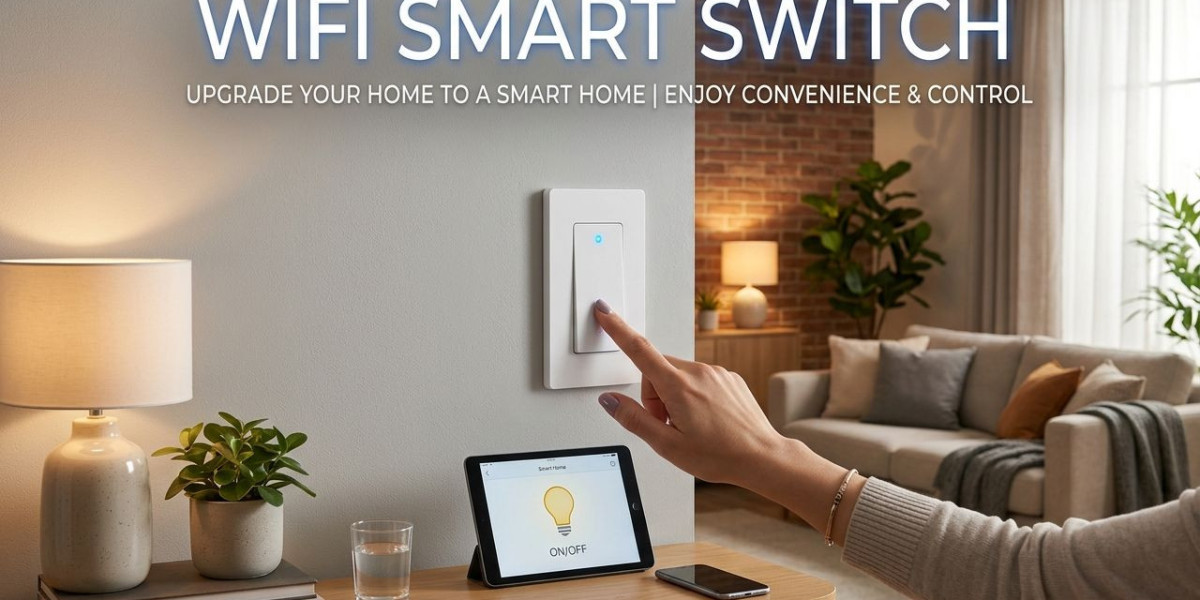

In today's world, technology is transforming our homes into smarter, more efficient living spaces. Among the devices revolutionizing home automation is the WiFi smart switch. But what exactly is a WiFi smart switch, and why is it becoming a must-have in modern households? This article delves into the features, benefits, installation, and practical uses of WiFi smart switches to help you understand their role in smart home ecosystems.
Understanding WiFi Smart Switches
A WiFi smart switch is an advanced electrical switch that allows you to control lights and other connected appliances remotely using a smartphone, tablet, or voice commands. Unlike traditional switches, which require manual operation, smart switches communicate over your home WiFi network, giving you the convenience of controlling devices from anywhere.
Key Features
Remote Control: WiFi smart switches let you operate lights and appliances from anywhere, using a dedicated mobile app.
Voice Compatibility: Most smart switches work with popular virtual assistants like Amazon Alexa, Google Assistant, and Apple HomeKit.
Scheduling and Timers: You can schedule devices to turn on or off at specific times, improving energy efficiency.
Energy Monitoring: Some models provide real-time energy consumption data, helping you track electricity usage.
Integration with Smart Home Systems: They can be integrated with other smart devices like sensors, cameras, and thermostats to create automated routines.
How Does a WiFi Smart Switch Work?
A WiFi smart switch works by connecting to your home’s wireless network and communicating with a mobile app. The switch replaces your traditional wall switch but still functions manually if needed. When you use the app or voice commands, the signal travels over WiFi to the switch, turning the connected device on or off.
Most smart switches operate on standard household voltage and require a neutral wire for installation. This wire ensures continuous power supply, allowing the switch to stay connected to WiFi even when the light is off.
Benefits of Using WiFi Smart Switches
1. Convenience
The most obvious benefit of a WiFi smart switch is convenience. Imagine leaving the office and remembering you forgot to turn off your living room lights. With a smart switch, you can control the lights instantly from your phone, regardless of your location.
2. Energy Efficiency
WiFi smart switches help reduce energy consumption. By scheduling lights to turn off automatically or using motion sensor integrations, you can ensure that electricity isn’t wasted on idle devices. Some switches also provide energy usage reports, allowing you to identify high-consumption devices.
3. Enhanced Home Security
Smart switches can improve home security by simulating occupancy. You can schedule lights to turn on and off while you are away, making it appear as though someone is home, deterring potential intruders.
4. Voice-Controlled Automation
Integration with voice assistants allows you to control devices without touching a switch. You can say commands like, “Turn off the bedroom lights,” and the switch responds immediately, adding a layer of hands-free convenience.
5. Customizable Automation
WiFi smart switches can be programmed to interact with other devices. For example, a switch can turn on lights when a door sensor is triggered, or start a fan when a smart thermostat reaches a certain temperature. This level of automation enhances comfort and efficiency in your home.
Types of WiFi Smart Switches
Smart switches come in various types, each designed for specific purposes. Understanding the differences can help you choose the right switch for your needs.
Single-Pole Switches: Control a single light or appliance from one location. Ideal for bedrooms, kitchens, or living rooms.
Three-Way Switches: Allow control of the same device from two locations, such as at both ends of a hallway.
Dimmer Switches: Offer adjustable brightness levels, perfect for creating the right ambiance.
Touchscreen or Panel Switches: Feature touch-sensitive panels and modern designs for aesthetic appeal.
Gang Switches: Multiple switches combined in one unit, controlling several devices at once.
Installation of WiFi Smart Switches
Installing a WiFi smart switch is relatively straightforward but may require basic electrical knowledge. Here’s a general step-by-step guide:
Turn Off the Power: Always switch off the circuit breaker before starting installation.
Remove the Old Switch: Unscrew the existing wall switch and disconnect the wires.
Connect the Smart Switch: Attach the live, load, neutral, and ground wires to the smart switch according to the instructions.
Secure the Switch: Fix the switch into the wall box and attach the faceplate.
Connect to WiFi: Use the manufacturer’s app to link the switch to your home WiFi network.
Test and Configure: Test the switch manually and through the app. Configure schedules, timers, and integration with voice assistants.
While many users can handle this installation themselves, consulting a professional electrician is recommended for complex setups or if you lack experience with electrical wiring.
Popular Brands and Options
The market for WiFi smart switches has expanded rapidly. Some of the leading brands include:
TP-Link Kasa Smart Switches: Known for easy installation and reliable app connectivity.
Wemo Smart Light Switches: Compatible with Alexa and Google Assistant with flexible scheduling features.
Lutron Caseta Wireless: Offers professional-grade dimming and smart home integration.
Leviton Decora Smart Switches: Provides customizable scenes and energy reporting features.
Choosing the right brand depends on compatibility with your smart home ecosystem, design preferences, and budget.
Common Use Cases for WiFi Smart Switches
Home Lighting: Control bedroom, living room, or outdoor lights from anywhere. Combine with dimmers for mood lighting.
Fans and HVAC Systems: Schedule ceiling fans or heaters to run at optimal times.
Outdoor Devices: Automate garden lights or fountains for evening ambiance.
Kitchen Appliances: Control coffee makers or smart plugs for devices connected to switches.
Safety Applications: Automate night lights in hallways or bathrooms to prevent accidents.
Things to Consider Before Buying a WiFi Smart Switch
Before investing in a WiFi smart switch, consider the following:
Compatibility: Ensure the switch is compatible with your existing home devices and voice assistants.
Neutral Wire Requirement: Check whether your home wiring includes a neutral wire, as most WiFi switches require it.
App Support: Evaluate the mobile app for usability, features, and responsiveness.
Connectivity Range: Make sure the switch maintains a stable connection across your home.
Design and Aesthetics: Consider the style of the switch and whether it complements your interior décor.
Troubleshooting Common Issues
Despite their convenience, WiFi smart switches can sometimes encounter problems. Common issues include:
Connection Drops: Ensure strong WiFi signals and proper router placement.
App Malfunctions: Keep the app updated and reinstall if necessary.
Incompatibility with Bulbs: Verify if the switch supports LED, CFL, or other bulb types.
Voice Assistant Integration Issues: Re-link the device or reset the assistant settings.
The Future of Home Automation with WiFi Smart Switches
WiFi smart switches are just the beginning of a connected home. As technology advances, we can expect even more sophisticated automation features, including AI-powered energy optimization, predictive maintenance, and seamless integration with other smart devices. Investing in WiFi smart switches today can be a stepping stone toward a fully automated and energy-efficient home.
Conclusion
A WiFi smart switch is more than just a convenient tool for controlling lights. It enhances energy efficiency, improves home security, and integrates seamlessly with modern smart home ecosystems. With options ranging from basic single-pole switches to advanced dimmers and touch panels, there is a smart switch suitable for almost every need. Whether you are looking to simplify daily routines, save energy, or add a modern touch to your home, WiFi smart switches are a practical and future-ready solution. By choosing the right switch and setting it up correctly, you can enjoy the convenience, safety, and efficiency of a connected home.